> For the complete documentation index, see [llms.txt](https://docs.ohmyapp.io/main/llms.txt). Markdown versions of documentation pages are available by appending `.md` to page URLs; this page is available as [Markdown](https://docs.ohmyapp.io/main/guide/deploy/undefined/icon_screenshot.md).
# 앱 아이콘/스크린샷
## Android
👉 [플레이스토어 가이드라인](https://support.google.com/googleplay/android-developer/answer/9866151)
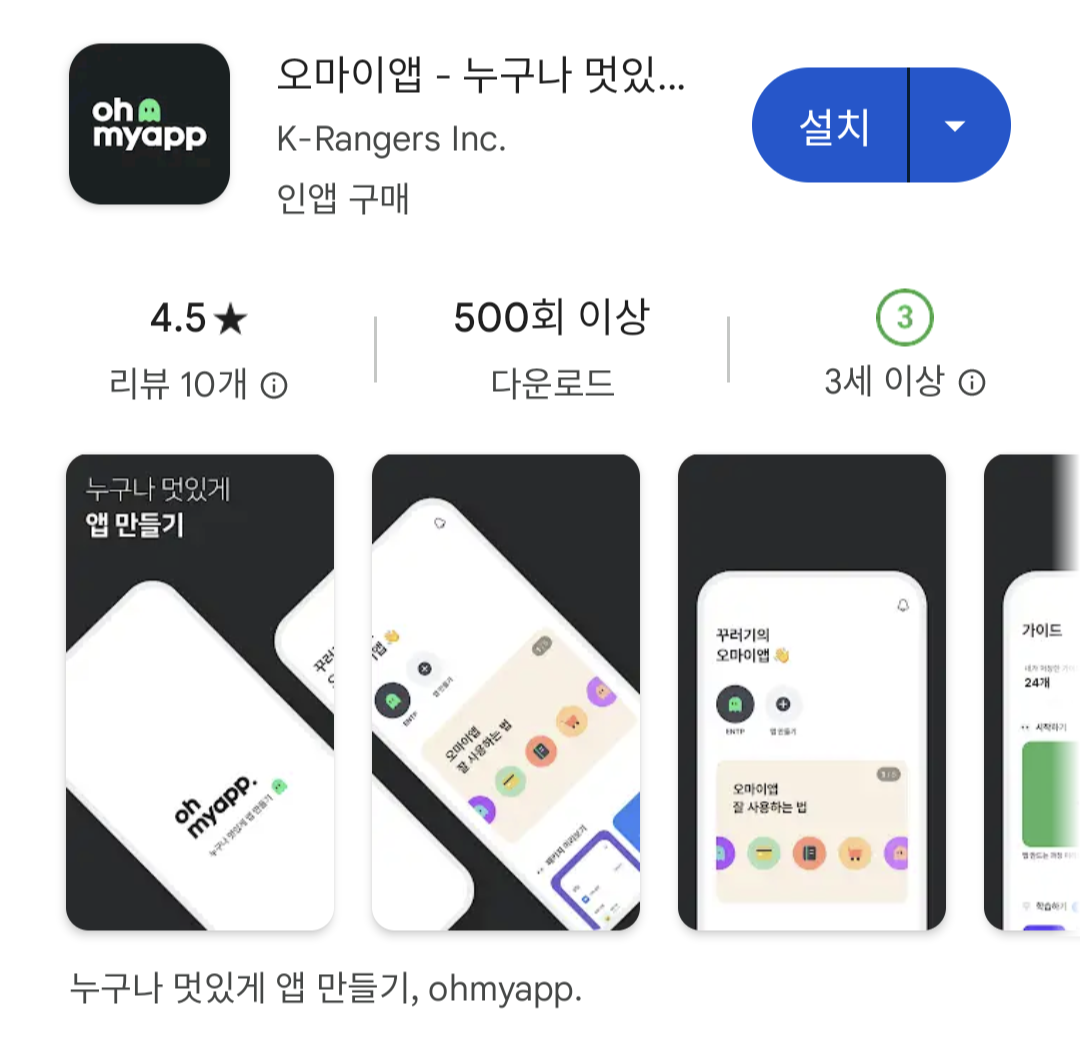
**앱 아이콘**
* 512px\*512px 사이즈
* PNG, JPEG 파일
* 최대 1MB
* 투명한 배경 금지
**스크린샷** (이미지에는 테스트 데이터가 아닌 실제 데이터가 보여져야 해요.)
* 유튜브 링크 필요
* 9:16 비율 (1080px\*1920px)
* 2장 \~ 8장까지 등록 가능
* 스크린샷 한 장당 최대 8MB
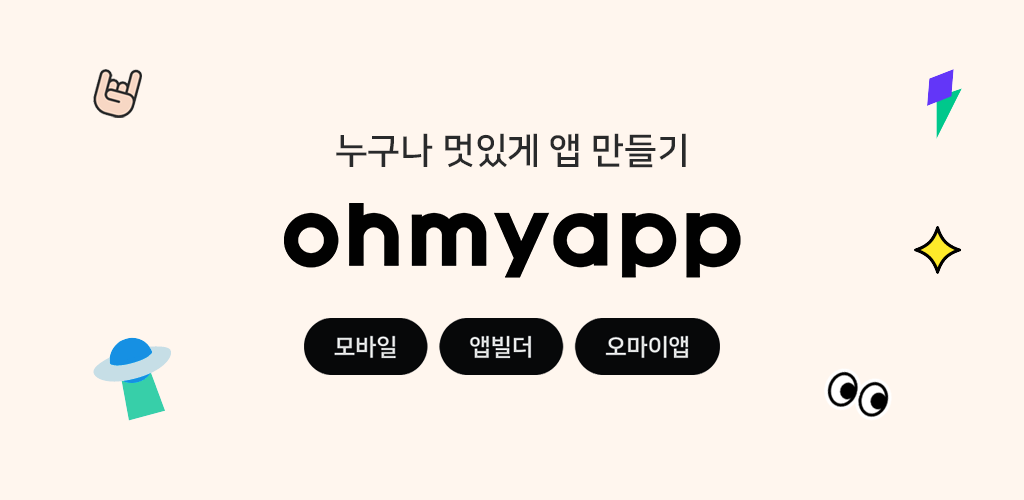
**그래픽 이미지**
* 1024px\*500px 사이즈
* PNG, JPEG 파일
* 최대 1MB
* 투명한 배경 금지
**동영상 (선택사항)**
* YouTube 재생목록이나 채널 URL이 아닌 동영상의 YouTube URL을 사용해요.
## iOS
👉[앱스토어 가이드라인 및 App Store 심사 지침](https://developer.apple.com/kr/app-store/review/guidelines/)
**앱 아이콘**
* 1024px\*1024px 사이즈
* PNG, JPEG 파일
* 둥근 모서리가 없는 정사각형 이미지
* 투명한 배경 금지
* Shine, Gloss 효과 금지
**스크린샷**
* 6.7형 디스플레이 (1290 x 2796px) 3장\~5장
* 6.5형 디스플레이 (1242 x 2688px) 3장\~5장
* 5.5형 디스플레이 (1242 x 2208*px*) 3장\~5장
* JPG 또는 PNG
* 투명한 배경 금지
* 디바이스 외관을 포함하는 이미지의 경우 아이폰 이외의 디바이스 외관 사용 금지
* 아이폰 XS용 스크린샷에 아이폰8 기기 외관을 넣어도 안됨
## **Tip 💡**
* 스크린샷 만들어주는 사이트 👉 [Previewed](https://previewed.app/)
* 이미지 리사이즈 사이트 👉 [iLoveIMG](https://www.iloveimg.com/)
* 잘 설명해놓은 블로그 글 👉[IOS앱 출시 스크린샷 준비하기 Previewed 사이트 활용](https://money-koong-app.tistory.com/m/entry/IOS%EC%95%B1-%EC%B6%9C%EC%8B%9C-%EC%8A%A4%ED%81%AC%EB%A6%B0%EC%83%B7-%EC%A4%80%EB%B9%84%ED%95%98%EA%B8%B0-Previewed-%EC%82%AC%EC%9D%B4%ED%8A%B8-%ED%99%9C%EC%9A%A9)
> \#앱 아이콘, #그래픽 이미지, #스크린샷, #Previewed, #iLoveIMG
2023.11.27 Nana